Count what counts.
Mark the moments of your day and see where the effort goes
Moment Tally is a menu-bar time tracker for the moments that make up your life. Mark any span of time — any color, any symbol, any scheme — then look back with calendars, charts, and stats that answer how the days actually went.
Take the TourTime, measured on your terms
Quiet in the menu bar, rich when you need it. Moment Tally treats your time like data — dimensioned, queryable, and yours. Swipe through every surface of the app.
The popover. Start, stop, and relabel without leaving the menu bar — quick labels one hover away, and the clock is running before you finish the thought.
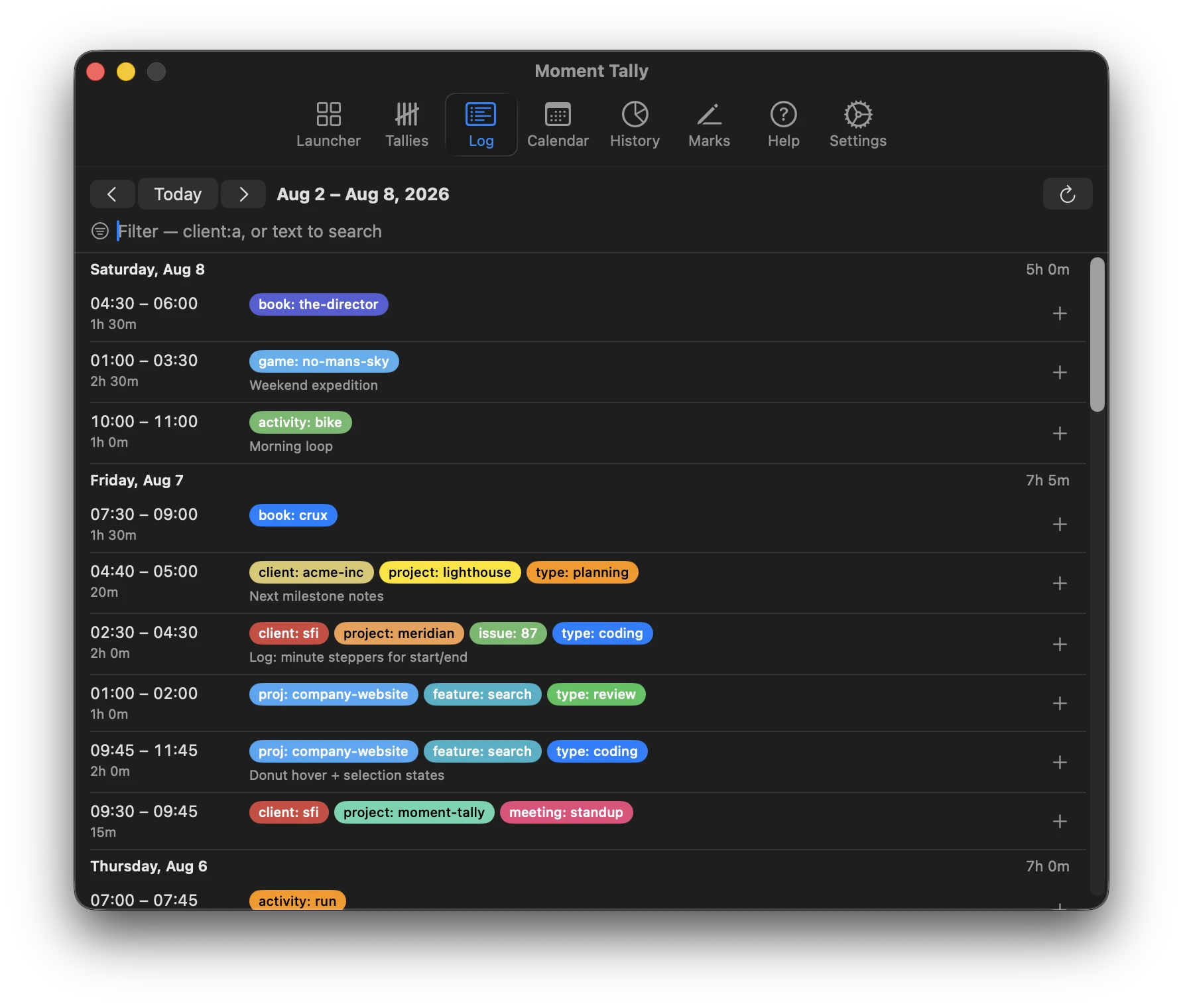
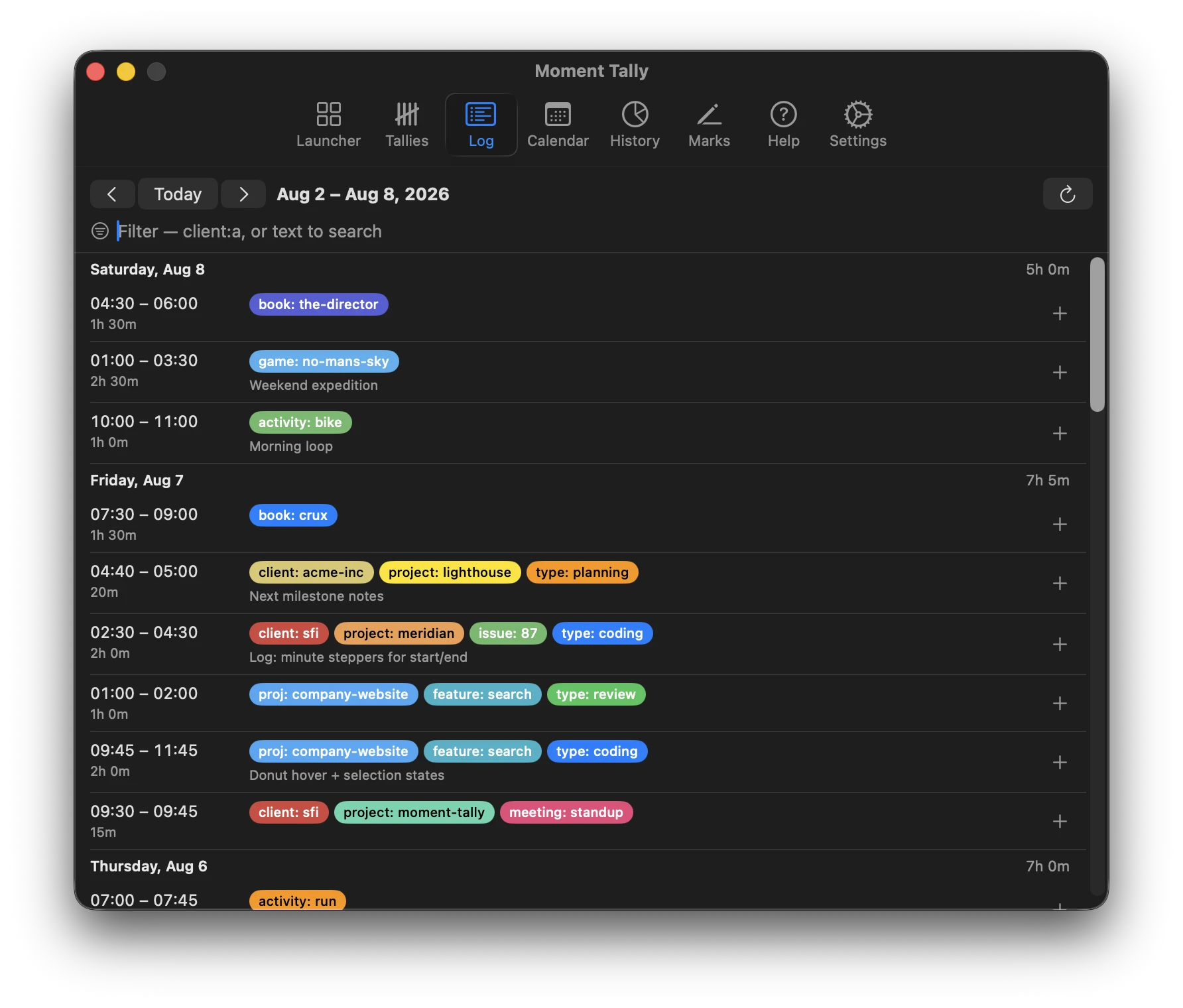
The log. Review and freely edit timespans after the fact. Labels attach key: value dimensions to your time, so every moment is queryable data — not a folder entry.
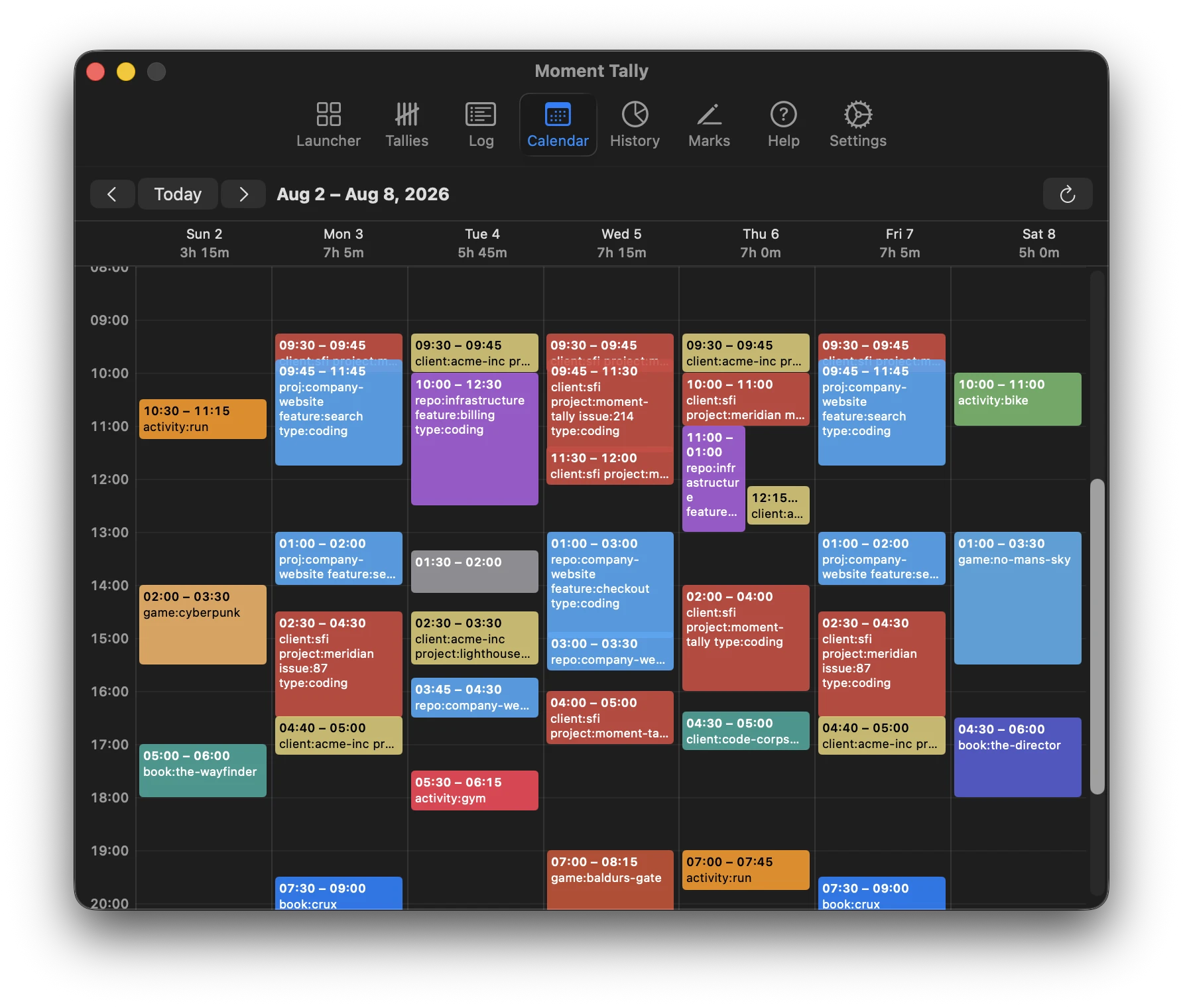
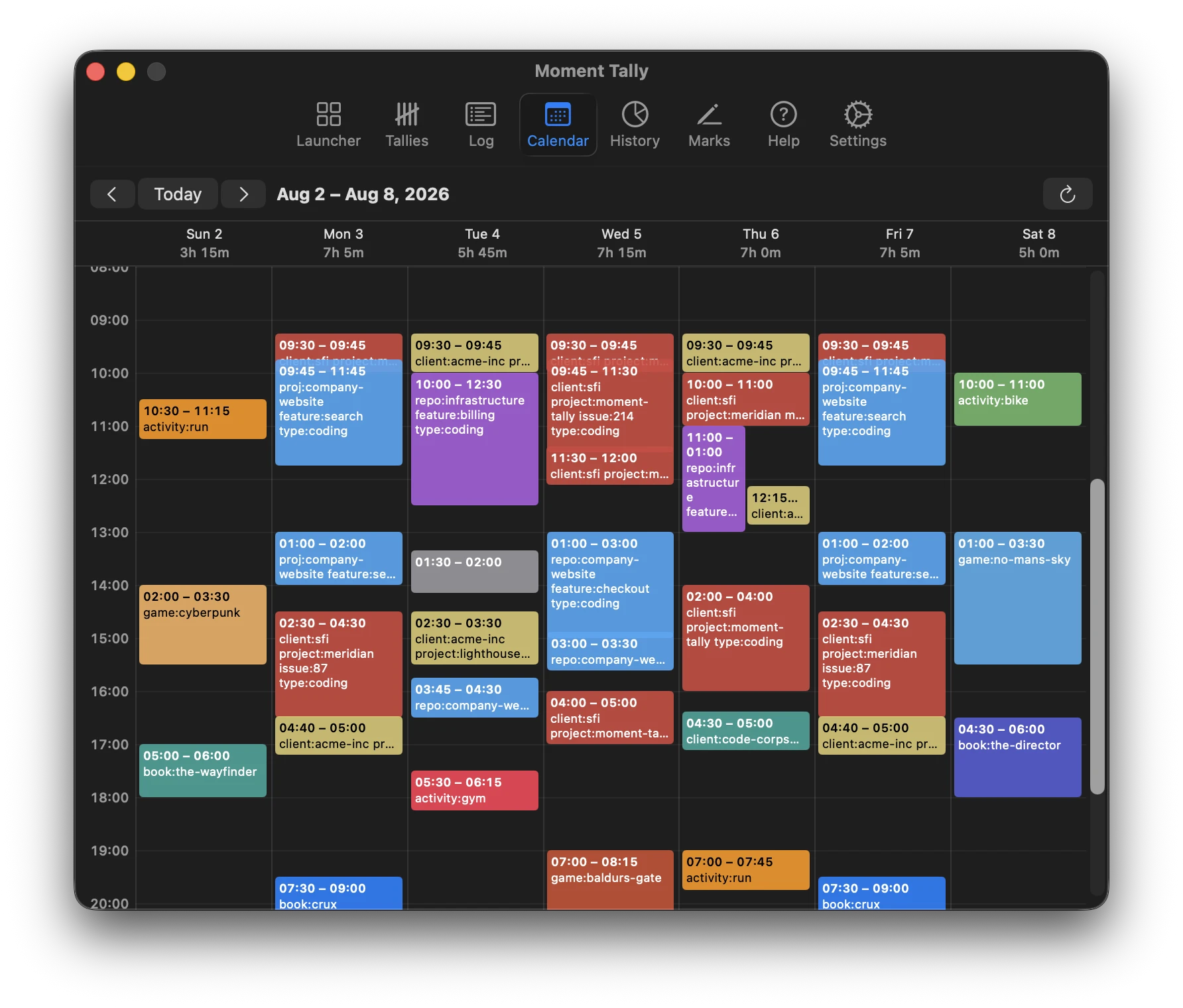
The calendar. Your week hour by hour. Concurrent timers share columns, because real days overlap — multi-tasking stays visible, not hidden.
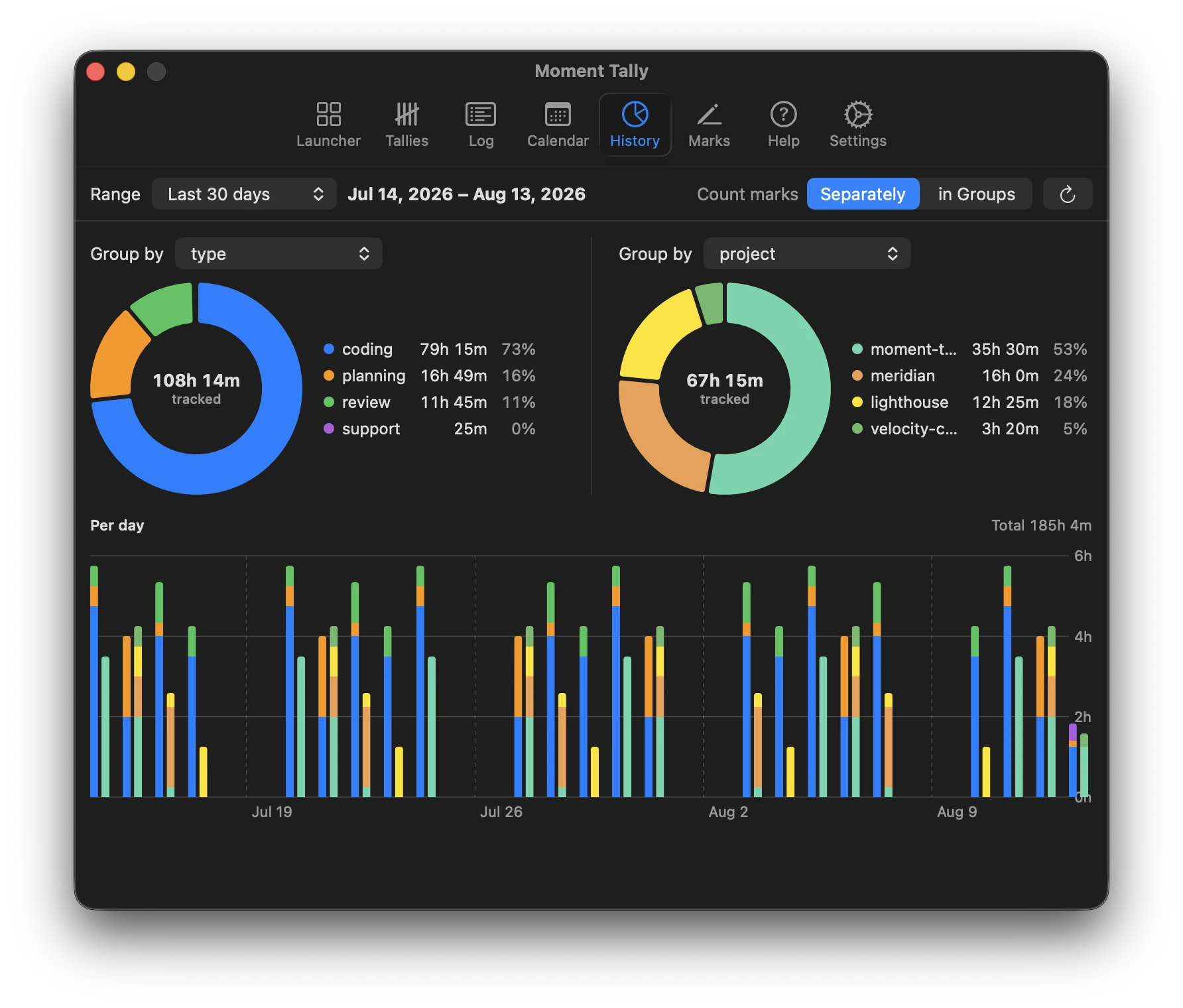
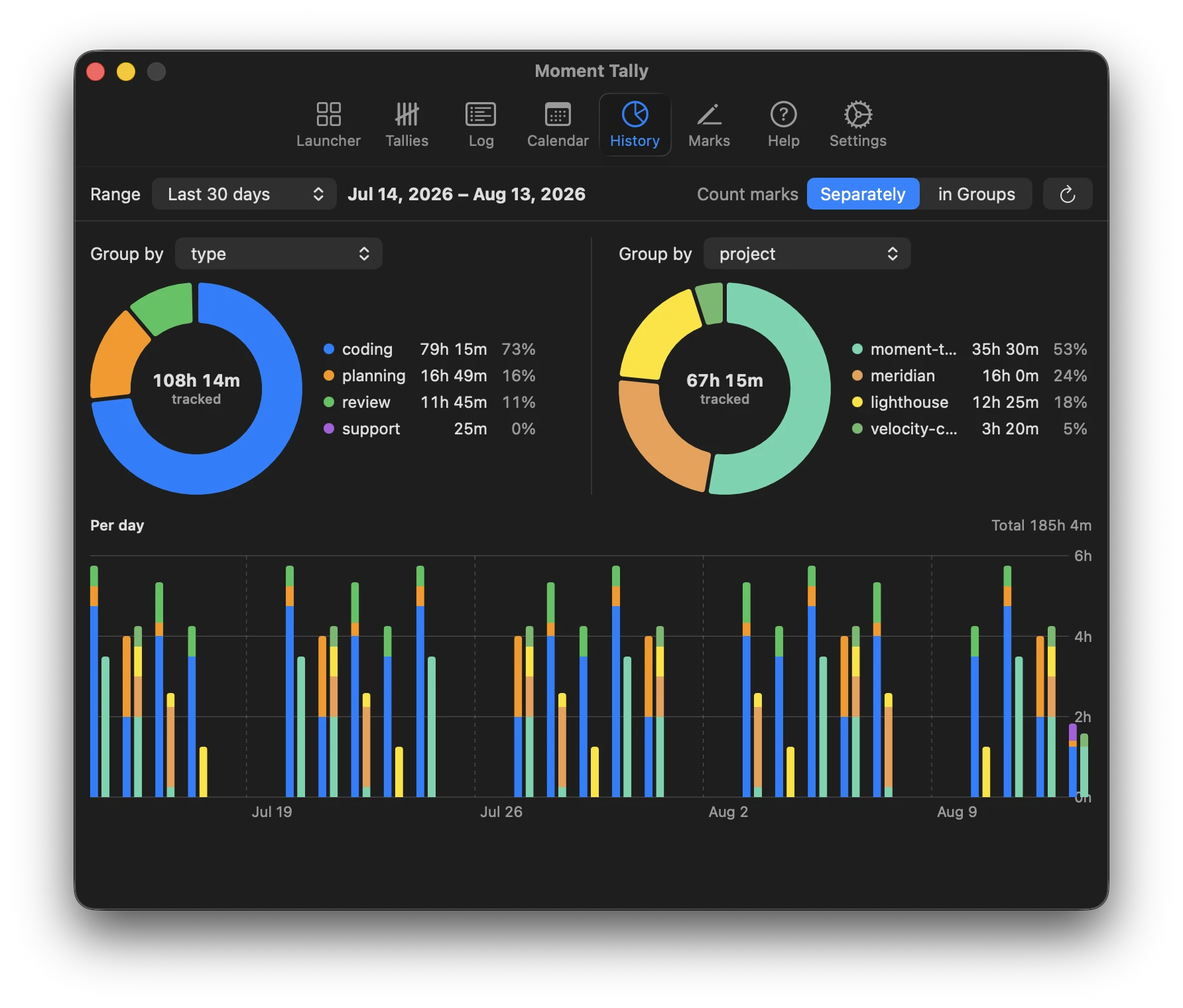
History. Group-by aggregations over any label key you invent — see where the effort actually went across projects, courses, or clients.
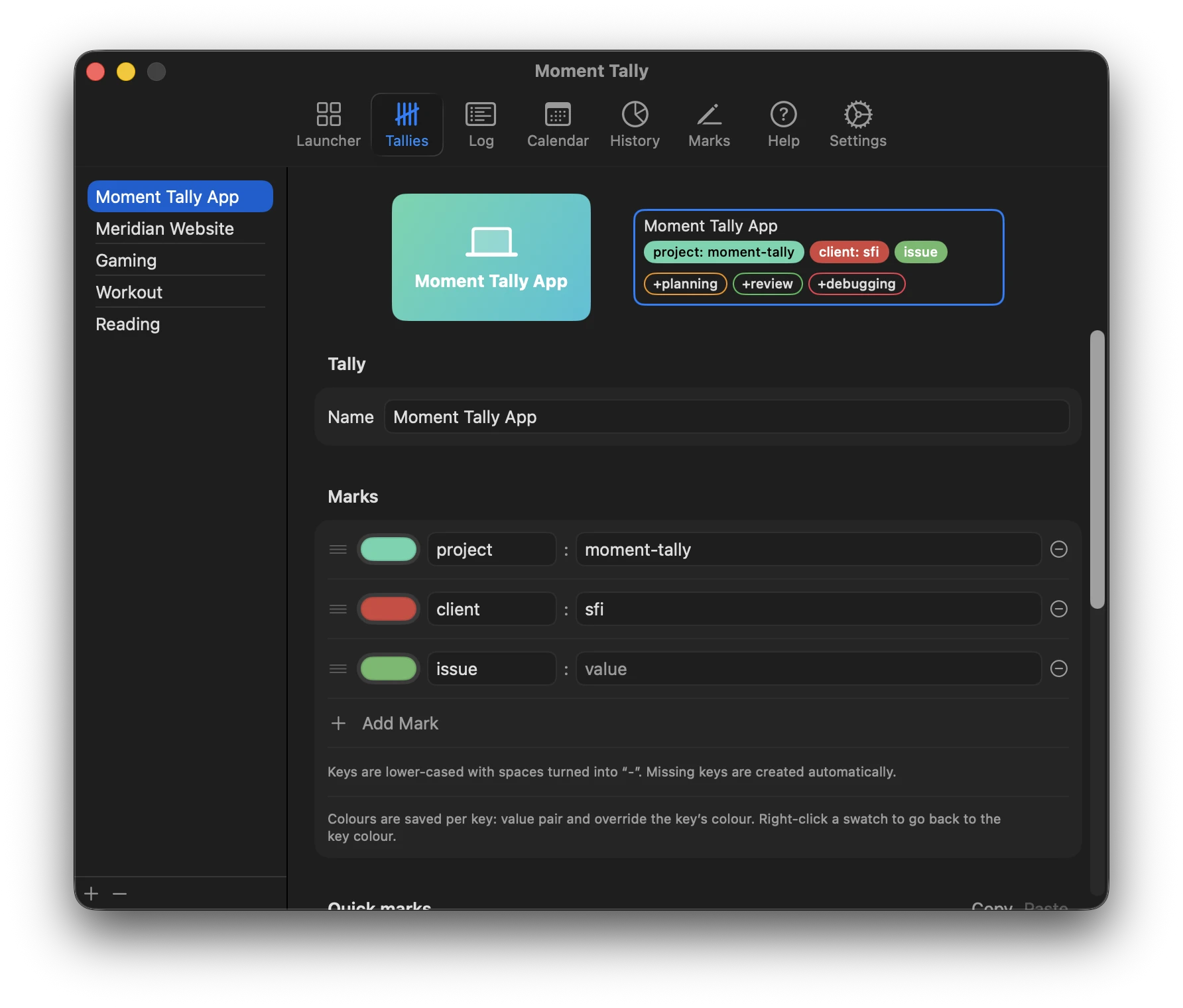
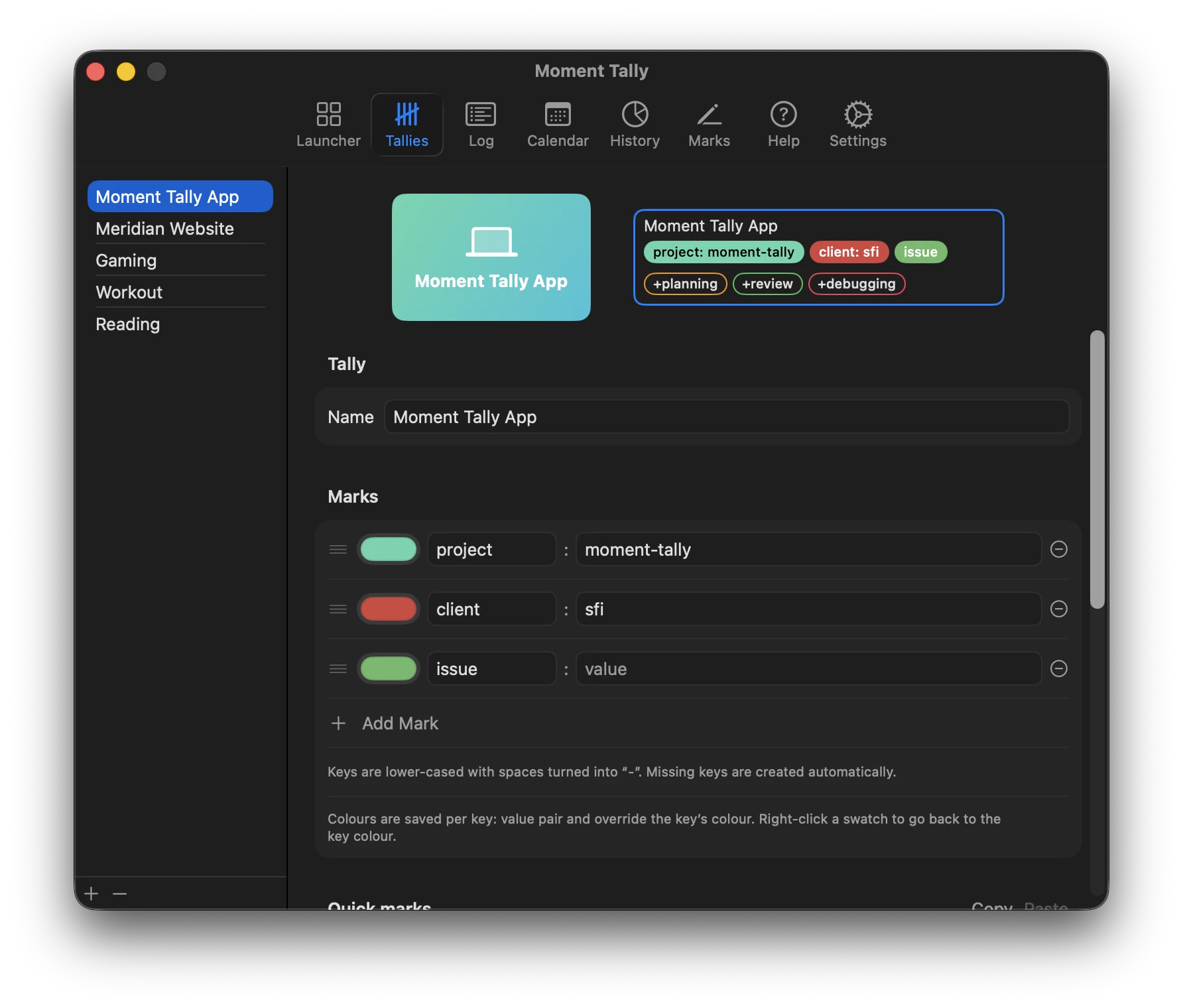
Label sets. Colors, keys, and quick labels, your way — mark and divide your time exactly how you want.
Moment Tally Pro Move
Join your hours to what actually shipped
Correlate repo and work-type labels with commits, PRs, and delivered outcomes — time data joined against source control's record of what shipped.
Moment Tally Pro Move
Stay coherent across parallel agent loops
Drive several agent loops across multiple projects at once — labels and notes leave a trail of breadcrumbs, so you re-orient in seconds and never lose the thread.
From mouse click to bookkeeping
Start counting with a mouse click
Moment Tally lives in the menu bar and works offline from the first launch. Start a blank timer or a saved quick-start — the clock is running before you finish the thought.
Mark time however you want
Attach key: value dimensions — course, client, recipe, whatever you invent. Your time becomes queryable data, not a fixed folder tree.
Visualize, account, and sync
See the day in calendar and chart views, export JSON for the books, and — when you want multi-device and multi-user — sync through your own Moment Tally server.
Stop guessing where the day went
Add Moment Tally to your menu bar and start tracking in a mouse click. Bring your own server when you're ready for multi-device and teams.